-96%Hot
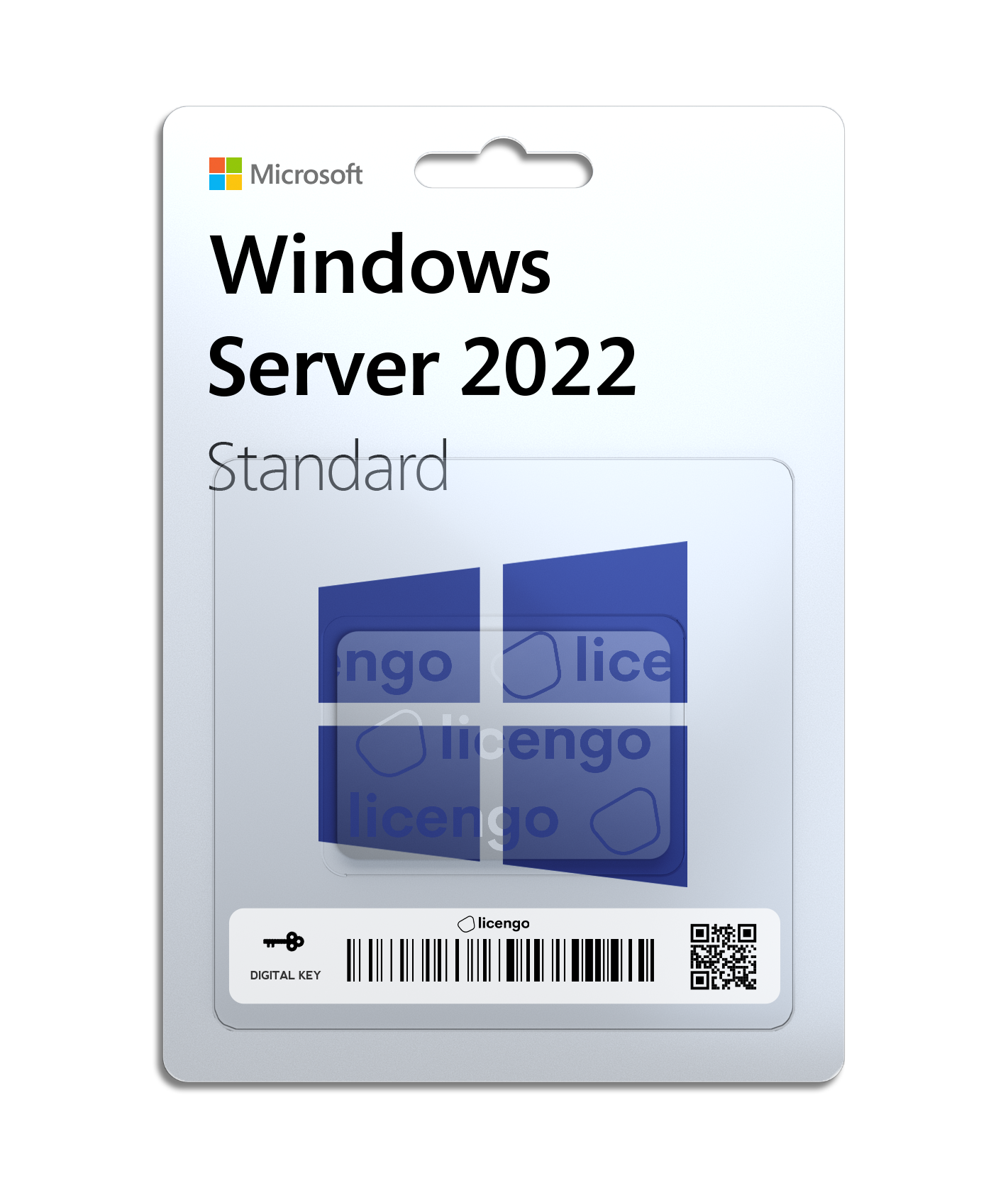
Windows Server 2022 Standard
Windows Server 2022 Standard bridges on-premises environments with Azure services, enabling hybrid scenarios that optimize existing investments. It enhances security with multiple layers of built-in protection, reducing business risks. The infrastructure evolves with hyperconverged solutions for improved efficiency and scalability. Additionally, Windows Server 2022 Standard supports the development of cloud-native and containerized applications, facilitating the modernization of traditional applications. For detailed information, visit the Windows Server website.
Windows Server 2022 Standard is the ninth version of Microsoft’s Windows Server operating system, belonging to the Windows NT family. It follows the Windows 10 platform, succeeding Windows Server 2016 and Windows Server 2019 Standard. Released on August 18, 2021, it introduces advancements in security, hybrid cloud integration, and infrastructure efficiency for modern IT environments.
https://www.youtube.com/watch?v=uUWb8R09sek&pp=ygUjV2luZG93cyBTZXJ2ZXIgMjAyMiBTdGFuZGFyZCByZXZpZXc%3D
Windows Server 2022 introduces several new features and improvements across different areas:
Container Services:
- Kubernetes Support: Stable support for Kubernetes version 1.14.
- Support for Tigera Calico for Windows: Enhances network policies and security for Kubernetes environments on Windows.
- Linux Containers on Windows: Allows running Linux containers natively on Windows Server.
Storage:
- Direct Storage Spaces: Enables direct access to Storage Spaces Direct volumes from user mode processes, enhancing performance and scalability.
- Storage Migration Service: Simplifies migration of servers and their data to newer versions of Windows Server.
- Storage Replica: Provides synchronous replication between servers for disaster recovery and high availability.
Security:
- Shielded Virtual Machines: Enhances security for virtual machines by encrypting their disks and protecting their state from inspection even by malicious administrators.
- Enhanced Windows Defender Advanced Threat Protection (ATP): Improves threat detection and response capabilities to safeguard against advanced persistent threats.
Administration:
- Windows Admin Center: Centralized management tool for servers, clusters, and hyper-converged infrastructure, offering a modern and simplified administrative experience.
- Configuration Diagnostics: Tools to diagnose and troubleshoot server configurations more effectively.
- OpenSSH Included: Native support for OpenSSH for secure remote management and administration.
These features make Windows Server 2022 a robust choice for modern data centers, offering enhanced security, improved storage capabilities, and streamlined administration tools to meet the demands of today’s IT environments.
Installation options for Windows Server 2022 include:
Server Core: This is the recommended option, featuring a smaller footprint that includes essential Windows Server components. Server Core supports all server roles but lacks a local graphical user interface (GUI). It is ideal for “headless” deployments managed remotely via Windows Admin Center, PowerShell, or other server management tools.
Desktop Experience Server: This option provides the full installation of Windows Server 2022, including a comprehensive graphical user interface (GUI). It is suited for users who prefer a traditional desktop environment and need direct access to GUI-based management tools and applications.
These installation choices allow flexibility based on your operational needs, whether prioritizing minimal resource consumption and remote management or requiring a complete GUI for local administration and user interaction.
Evaluation options:
- Windows Server 2022 on Microsoft Azure
- Windows Server 2022 | 64 bit ISO
- Windows Server 2022 | 64bit VHD


15 reviews for Windows Server 2022 Standard – 16 Core
Clear filtersThere are no reviews yet.